2.2.6 Parameter Selection
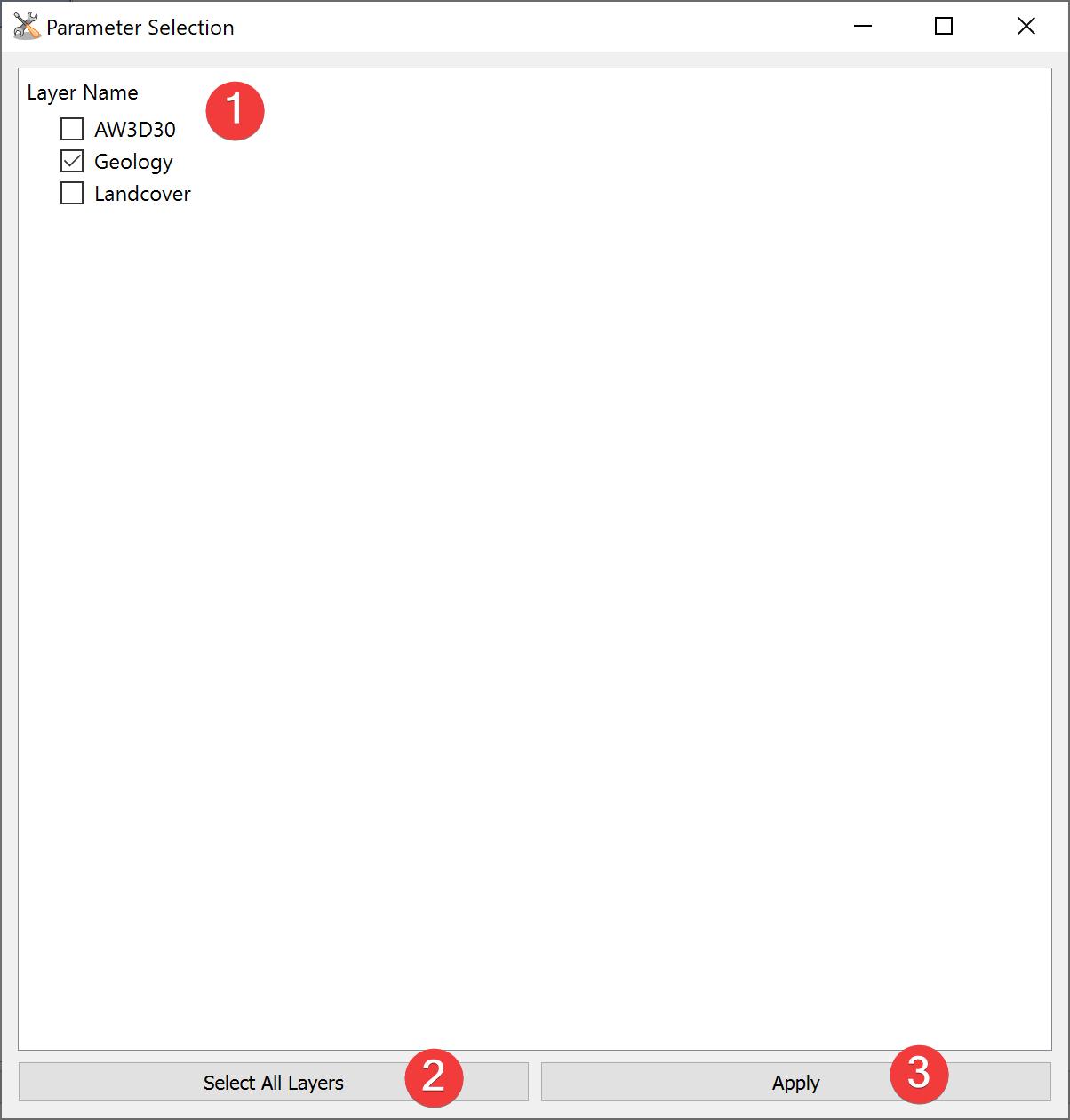
Fig. 2.12 Parameter Selection Dialog
Select imported raster datasets for use in an analysis.
2.2.6.1 Usage
- Check the raster datasets you want to use in the analysis.You can select individual ones (1) or all imported ones (2).
Click apply (3) to start the analysis widget with the selected parameters preselected.
When you close the Parameter Selection Widget the selected Analysis will not start.
2.2.6.2 Information
After starting the Analysis Widget from the Parameter Selection you can still remove and add raster datasets.
Parameter Selection shows .tif files in data/params.
